
Searching Cases by Name
Start at the official North Carolina eCourts Portal for any Pender County case search. Smart Search is the tool that pulls up a Pender County Case Summary. Some courts call it a Register of Actions. No account is needed, and public searching costs nothing. If you lack a full case number, type in a party name instead. Then set the location to Pender County. A matching name alone does not prove the case belongs to this court.
- Open Smart Search and choose the party-name or case-number path.
- Enter the most complete name available, then select Pender under Location when filters are needed.
- Use case type, status, filing date, or the permitted date-of-birth filter to reduce a broad result set.
- Open the matching public Case Summary and read its events in date order before relying on a hearing or disposition entry.
Search Hearings answers a different question. It shows a current Pender County calendar listing rather than a full docket history. Pull up the same case in both tools and you can compare an upcoming hearing against the older Case Summary entries.
Pender Case Search Fields
The Portal training materials pitch a flexible Pender County case search. Yet the filters only refine things. They work once you pick an actual search criterion. Start narrow. One caution from the accessible instructions: skip the advanced Party Name search type. It can choke off results, and it has no wildcard support.
| Portal field | Use for a Pender search | Important limit |
|---|---|---|
| Case Number or Party Name | Default Smart Search entry | One criterion is needed to begin. |
| Location | Choose Pender to avoid cross-county matches. | The full statewide menu is not reproduced in the published guide. |
| Case Type and Status | Narrow civil, criminal, estate, special-proceeding, or documented bond-forfeiture results. | Advanced filters cannot run as a stand-alone search. |
| Filing Date Range | Focus a Pender search by when the case was filed. | Converted historical events may carry a midnight timestamp. |
These fields matter when you already know a Pender County case and want to narrow it rather than guess from a name. Stick to the criteria the Portal documents. Keep the full Pender case number handy when you have it.
Pender Case Name Wildcards
Pender County partial-name searches follow set Portal rules. Type at least three letters of the last name. Add at least one of the first name, then an asterisk. The official FAQ spells this out. It beats a wide name-only docket search when the spelling is shaky. Before you widen a wildcard, apply the Pender County location filter and a filing-date range. Dates of birth may come back masked, showing just the year in the public result. Social Security numbers can neither be searched nor validated through the Pender Portal route. Two same-name hits are common in a criminal docket. So narrow with documented Portal filters before assuming they are one Pender County case.
Searching by Case Number
For a Pender County case lookup, a full Enterprise Justice number works best. Keep the dash and the county identifier intact. Trim the number and you risk pulling the wrong court docket entry. That matters most when you are checking a payment or a current filing. Portal guidance warns that incomplete or cross-county numbers do exactly that. Smart Search and Search Hearings play different roles. The first pulls the historical Case Summary for a Pender matter. The second lists the current court calendar for a scheduled hearing. A number can come back incomplete. A result can look off. Or the Pender County file may predate the online record. In any of those cases, Clerk staff can point you to the next access channel.
Pender Case Number Structure
A safe local example is YYCR######-700. Read it as a two-digit year, case-type letters, and a six-digit sequence, followed by a dash and the three-digit county identifier the system assigns. It is a format illustration, not a real Pender docket number.
- CR
- North Carolina case-type letters for a case that includes at least one criminal offense.
- IF
- North Carolina case-type letters for an infraction-only case.
- Case cross-reference number
- An advanced Portal search type that can help locate related cases, subject to confirmation in the actual file.
A Pender County case number beats a city label every time. Surf City sprawls across county lines, so its name alone can mislead. The Pender location filter plus the complete number keep your docket search pointed at the right Pender court system.
Pender Case Search Filters
Smart Search accepts several documented search types beyond a party name. A Pender County court docket lookup can also run on a business name. It handles attorney name, attorney bar number, citation number, case cross-reference number, or nickname too. For a business name, pick the Business Name type itself. Portal materials note that bondspeople get entered as businesses for this purpose. Never swap a charge or offense term into a field that does not support it. Enterprise Justice offers no charge-based public searching. A Pender docket search can flood you with results. Narrow with location first. Then add case type, case status, a filing-date range, and an allowed date range. Do not guess from a result title.
What a Case Search Returns
Click a public Pender County result. You land on a Case Summary or Register of Actions. Think of it as a chronological court view. It makes no promise of completeness. Every document or identifier in the full Pender file may not sit online. If a category is blank, the Portal simply has nothing to display there.
| Case Information | Core Pender identifying data, including the case number and filing information. |
|---|---|
| Assignment and Parties | Available Pender court-assignment and party information. Victims are excluded from Portal search returns. |
| Case Events | The Portal’s name for Pender docketable filings, court actions, and administrative events. |
| Hearings and Dispositions | Available Pender hearing entries and the recorded resolution category. |
| Documents and Financial Information | Eligible public Pender images and applicable financial material after processing, where available. |
Read Pender Case Events in order, top to bottom. A continuance, hearing, or disposition filed later can change what an older entry in the court docket really means.
Pender Case Summary Details
The official Portal landing screen lays out the public services behind a Pender Case Summary. It also covers the current hearing search, payments, and the judgment index.
The Pender Case Summary helps you track what has happened in a case, from court dates to filings that are open to the public. Treat it as a working snapshot rather than an official copy. The clerk's certified document carries more weight, and a public Pender image can lag behind while it uploads and processes.
Pender Case Search No Results
A “no cases match” message does not prove a Pender case never existed. Run through the basics first. Check the number's format, the dash, the Pender location, spelling, and the date range you searched. Even a careful docket search can come up empty. The record may be sealed, confidential, expunged, or still processing. It may also sit in a historic paper file at the clerk's office.
Pender fallback: The Clerk’s public terminal and counter remain the supported local path for confirming an eligible file, handling a document problem, or asking about older criminal index work. Pender’s earlier criminal guidance says the electronic index begins in July 1989 and older work can require microfilm or index books.
A stubborn Pender Portal error has two official fixes. Clear the browser cache, or try an incognito window. If the glitch persists, contact the Pender County Clerk for help. That much the official FAQ recommends. Just remember the technical result is only a screen outcome. It is not a court decision and not a final answer about the record itself.
Statewide vs County Case Search
The North Carolina eCourts Portal covers the whole state. But a Pender case search still works best with the county filter and the local Clerk when the web result falls short. Pender moved onto eCourts on February 3, 2025. Since that conversion, the Portal has served as the public layer for court records. It does not replace the county office that actually keeps the record.
| Route | Best use | Boundary |
|---|---|---|
| Portal Smart Search | Find an eligible public Pender case and open its Case Summary. | Sealed and confidential Pender cases or documents never appear publicly. |
| Portal Search Hearings | Check a current Pender hearing by case, party, courtroom, or other supported criterion. | It does not identify an appearance as virtual or in person. |
| Pender County Clerk of Superior Court | Inspect the local file, request copies, or resolve a certified-copy question. | The clerk cannot personally change a court date. |
Plenty of needs still point back to the local clerk. A paper historical file, a document problem, or a certification request all go through that Pender office, and the statewide search does not close that access channel.
Pender Judgment Search Difference
When the question is really about a Pender judgment index, NC Judgment Search is the right tool. It searches by party name or case number. Filters narrow results by case type, status, Pender location, and judgment date. A result can show the case number, disposition status, index date or time, parties, and judgment comments. That index is not the full Pender County Case Summary, though. The official workflow sends readers back to Smart Search for the complete Pender case history, available events, and public documents. Keep the distinction in mind. A judgment-index hit is never the same thing as a full docket review.
Pender Hearing Search
Search Hearings is the Pender County calendar tool. It covers current settings. You can search by case number, party or business name, attorney name or bar number, judicial officer, or courtroom. Whatever it returns, compare the Pender hearing result with the Case Summary. A continuance, a newer notice, or a disposition entry can shift the practical status of a setting. For broader planning, published Pender schedules lay out criminal-priority, civil, family, and superior-court blocks. Treat them as planning aids, not case-specific guarantees. Unclear building, courtroom, date, or remote-access details should go through the Pender contact directory to the Clerk or Trial Court Administration.
Pender Portal Account Limits
File & Serve handles e-filing. Portal is the separate public Pender search and viewing application. A Portal account can save cases in My Cases, but registering adds no access to restricted records, and Portal cannot be used to file a document.
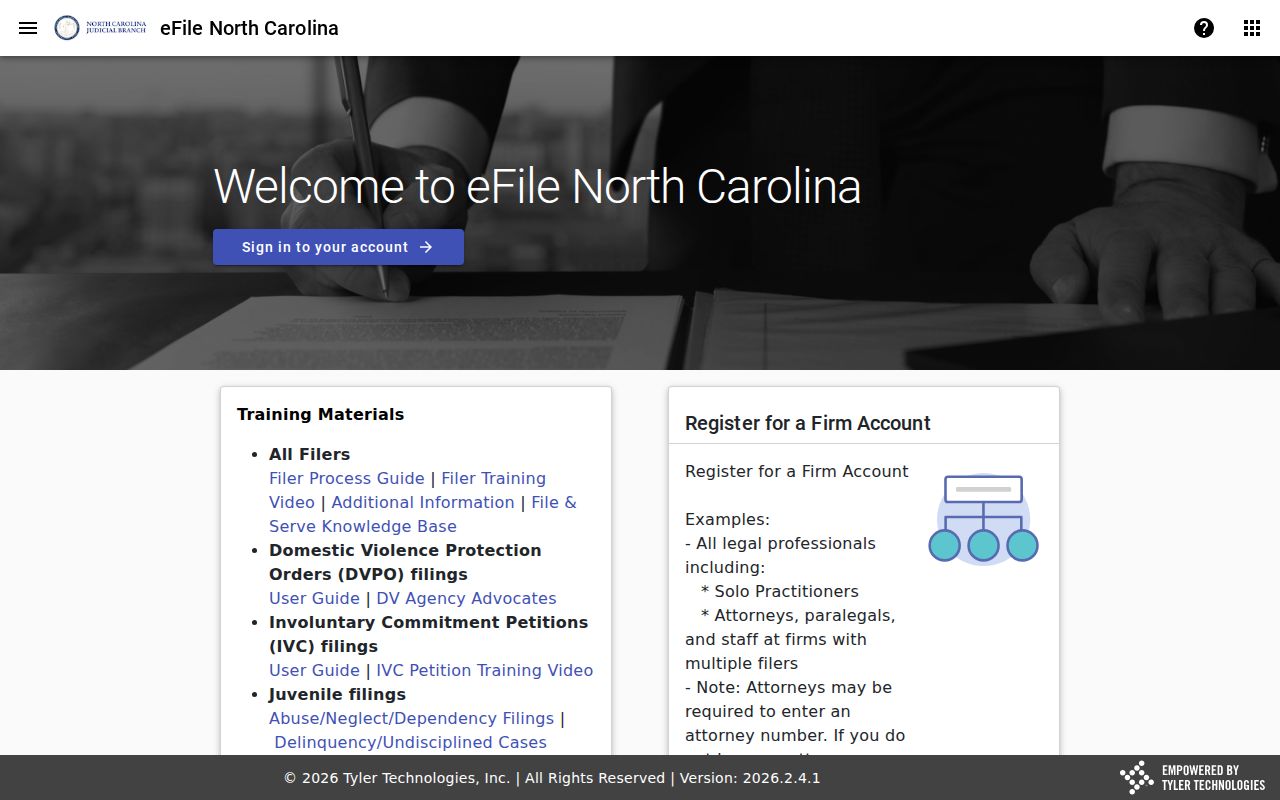
The split matters for a public Pender case search. Filing access is a different goal. The Pender Judicial Branch location page links the county's eCourts services in one place. Portal access stays free for eligible Pender public information. File & Serve, in contrast, requires the proper filing role and follows the e-filing rules.
Access and Restricted Cases
A public Pender County case search does not open every judicial record. Sealed and confidential Pender cases, documents, and data never display in Portal. Juvenile records stay shielded from public inspection under G.S. 7B-3000. The AOC expunction file carries limited disclosure rules under G.S. 15A-151. Portal masks dates of birth down to a year where recorded. It also excludes victims from result returns and limits some domestic-violence and protective-order information online. A courthouse terminal can sometimes help confirm a lawful access route. It is never a workaround for confidentiality rules or a court order. Note: when a public document is missing, old, or needed as a certified copy, take the request straight to the Pender County Clerk of Superior Court. The Portal view is not the last word.