
How to Search Criminal Dockets
Criminal cases in Pender run through the statewide North Carolina eCourts Portal. Smart Search is the route to an eligible public Case Summary. That summary is also called a Register of Actions. Search Hearings is a separate tool for a current court listing. Set Pender as the location. Enter the full case number where known, and read the results in order. A name search works too. Still, a Pender location filter keeps an unrelated county result out of your docket search.
The Portal is not the only route. Pender publishes criminal-priority schedules for session planning. The Pender Clerk offers a public terminal plus paper files, copies, and certifications. For an older record, a missing image, or doubt about a setting, the clerk and courtroom contacts are the practical confirmation channels. The Pender County case search page walks through the full mechanics.
- Open Portal Smart Search for Pender and enter a complete case number or a party name.
- Filter the location to Pender and, when useful, select Criminal Actions, a status, or a filing-date range.
- Open the matching Pender Case Summary and read Case Events, hearings, dispositions, and any applicable financial information.
- Use Search Hearings to check a current Pender setting, courtroom, or judicial-official listing rather than relying only on an older event.
- Compare a general Pender session question with Pender’s posted criminal schedule, which is planning material rather than a case guarantee.
- For an unavailable, historic, or certified record, contact or visit the Pender County Clerk of Superior Court and ask about the terminal, file, or approved mail process.
Note: Portal public searching is free, but a Case Summary is not a clerk-certified record.
Pender Criminal Search Fields
The Portal offers no charge-name search for a Pender criminal docket. Pender search paths work from a case number or party name. Advanced options cover a business, attorney, attorney bar number, citation number, cross-reference number, or nickname. Narrow a broad result with Pender filters rather than guessing a charge code. Social Security numbers cannot be searched or validated. Where a birth date is recorded, the display masks it to the year.
| Portal field | Useful Pender use | Limit |
|---|---|---|
| Case number | Best route when the complete number is known. | Keep the dash and county identifier. |
| Party name | Default alternative when no number is available. | Begin with a narrow Pender location filter. |
| Case type | Select Criminal Actions where the advanced filter offers it. | It supplements, not replaces, a search term. |
| Search Hearings | Check a current case, courtroom, or judicial official. | It does not show remote versus in-person status. |
Portal materials describe a CAPTCHA that may reappear during use. A technical failure or a no-match result never proves that no Pender criminal record exists.
What a Criminal Docket Shows
A public Pender criminal Case Summary can show Case Information, Assignment Information, Party Information, Case Events, hearings, dispositions, and financial information where it applies. Eligible public documents may appear after processing. Victims are excluded from the Pender public result. Not every case shows every field or image.
| Case number | An Enterprise Justice number such as YYCR######-700; retain the full format when searching. |
|---|---|
| Case Events | Portal’s chronological label for filings, court actions, and administrative events. |
| Hearings | Listed settings in the Case Summary; use Search Hearings for the current calendar view. |
| Disposition | The recorded outcome or resolution category, which should be read with later events. |
| Financial Information | Applicable balances or related information, not a displayed payment due date. |
The Judicial Branch’s criminal-cases reference supplies the state-level court-path context reflected in Pender records.
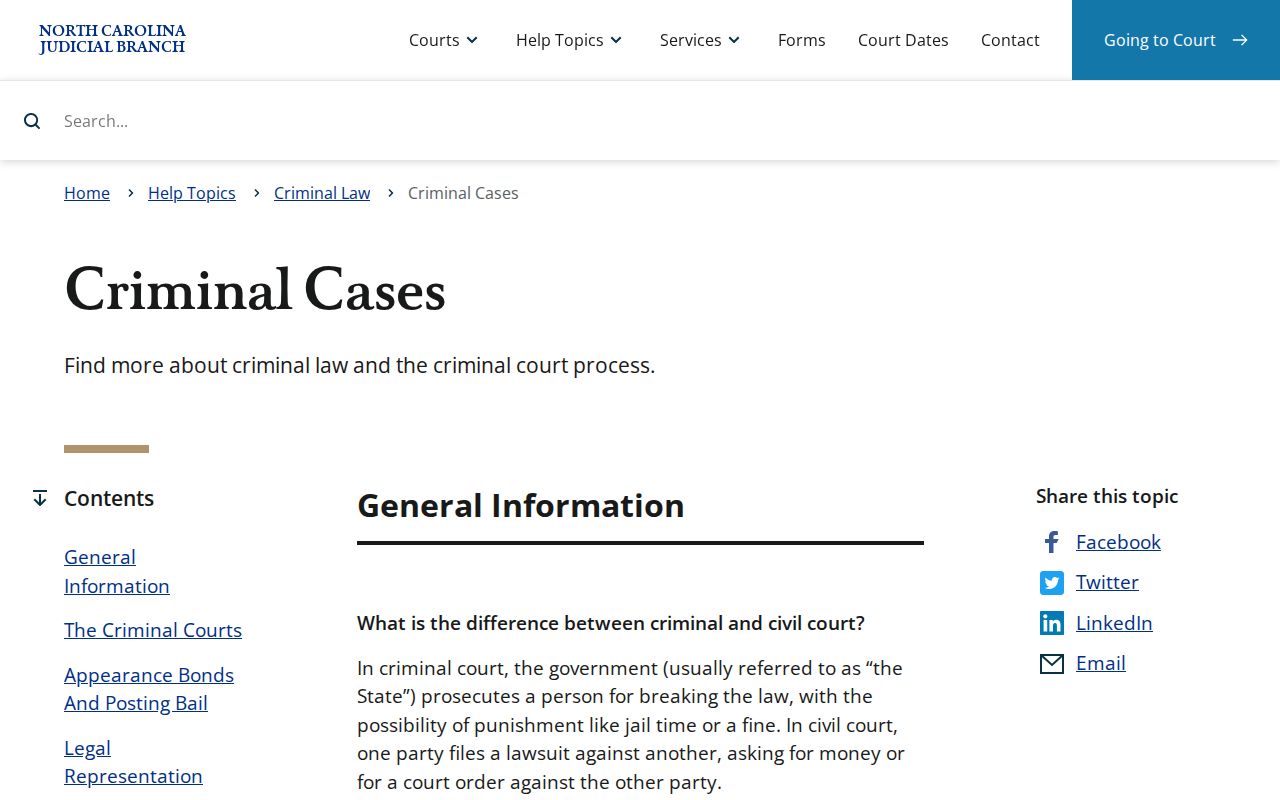
That official explanation supports reading a Pender docket as a court record of process. It is not a substitute for a filed order or a clerk-certified copy.
Pender Criminal Case Codes
Pender's Enterprise Justice format has four basic parts. A two-digit year comes first. Then case-type letters, a six-digit sequence, and a three-digit county identifier. The Pender illustration is YYCR######-700. In Pender and North Carolina material, CR marks a case with at least one criminal offense. IF marks an infraction-only matter. Treat the final three digits as the system's county identifier. Do not translate them into a county name from memory.
- Case Summary
- Portal’s name for the public Register of Actions and its available case overview.
- Case Event
- A docketable filing, court action, or administrative occurrence in the timeline.
- Charge
- An alleged criminal or infraction offense; Pender calendars may pair a number with a plain label.
- Disposition
- The recorded resolution category, best read with the surrounding events and orders.
Pender calendar materials pair numerical charge codes with plain offense labels. No Pender-issued master code glossary exists. When an entry is unclear, use the event text or request the court record from the clerk.
Stages on a Criminal Docket
A Pender criminal timeline can begin with a warrant. It might also start with an order for arrest or a criminal summons. Early matters may involve a magistrate or District Court. Later Case Events can show an arraignment, hearing, motion, continuance, plea, trial activity, disposition, or financial information. The sequence varies case by case. So the newest Case Event and hearing entry deserve more weight. An old citation date or a printed calendar counts for less.
A Pender misdemeanor or infraction appeal can shift the court layer. Follow that change through the Portal Case Summary and the clerk-held record. An online balance does not erase a listed setting. Portal gives no payment due dates.
Docket flow: Filing › Arraignment › Pretrial › Plea or Trial › Disposition › Sentencing
Pender Criminal Priority Calendars
Pender's Local Administrative Schedules publish a Criminal Priority Calendar alongside other court schedules. A priority calendar helps with general session planning. It does not promise that an individual Pender criminal docket stays set at the same time or place. For the current case-specific setting, Search Hearings is the better online source. The newest Case Summary entry matters too.
The official Pender local rules and forms page collects criminal docket-management and calendar resources.
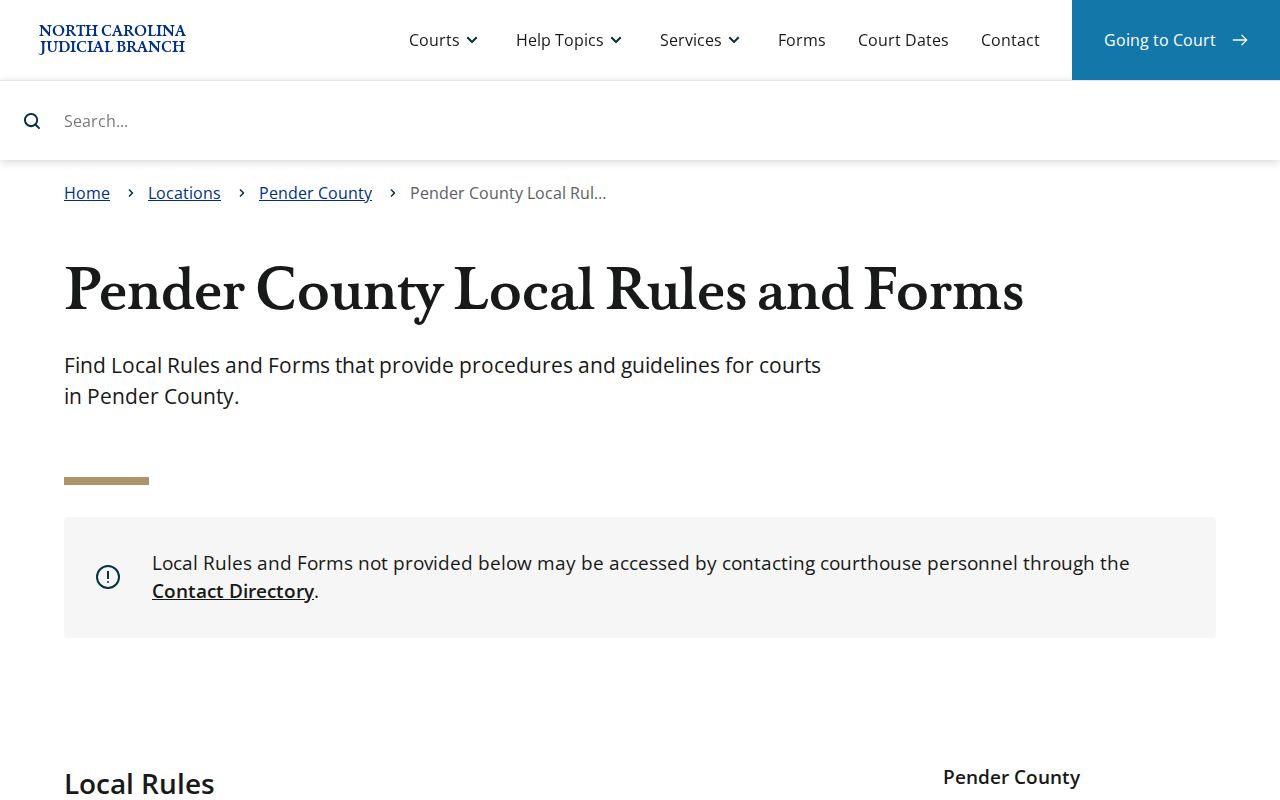
Those local materials show why a Pender criminal calendar is just one layer of the process. Always check it against the live hearing and case record.
Which Court Holds Criminal Dockets
One elected official keeps the court records for both trial divisions in Pender. That official is the Pender County Clerk of Superior Court. Misdemeanors, traffic infractions, and early felony matters land in Pender District Court. Felony trials belong to Pender Superior Court. That court also hears appeals from District Court on misdemeanors and infractions. Below that sit the Pender magistrates. They handle warrants, bonds, initial matters, and certain minor pleas within the District Court system.
| Pender court layer | Criminal docket role | Record route |
|---|---|---|
| District Court | Misdemeanors, traffic, and lower-court criminal activity. | Portal, Search Hearings, and the unified clerk. |
| Superior Court | Felony trials and District Court criminal appeals. | Portal, schedules, and the same clerk custodian. |
| Magistrates | Initial warrants, bonds, and specified minor pleas. | District Court system and clerk-held case record. |
Pender has no incorporated-city municipal criminal court docket, so a town name alone does not create its own court-record system.
Pender Criminal Court Records
The online Case Summary gives the public a view of eligible information only. Paper files, historic records, copies, and certified documents take a separate path. That path runs through the Pender County Clerk of Superior Court. Call the clerk at (910) 663-3900. Ask which terminal, counter, or record process fits your need. Give the case number and document date when you have them. Then say whether you want inspection, a plain copy, or certification.
Local guidance says Pender's electronic criminal index starts in July 1989. Anything older may require AOC microfilm or index-book review. A Portal absence therefore proves nothing about an aged record. Also note that a county criminal record check is its own clerk service. It is distinct from a certified docket sheet or order.
Note: The Pender Clerk, not a general county public-records office, is the custodian of the court files.
Public Access and Sealed Criminal Dockets
North Carolina law generally opens clerk-maintained judicial records to public inspection. Access closes only when another law restricts it. In Pender, that means Portal and the clerk's terminals can display eligible public criminal information. A sealed or confidential Pender case, though, never appears in Portal. The public docket is an index and timeline. It is not a right to unredacted data or every filed image.
Pender juvenile matters stay out of ordinary criminal-search results. Some Pender domestic-violence and protective-order information carries online limits. Victims are excluded from Portal returns. An expunged Pender record also leaves the public Portal. For any protected category, the right Pender route turns on legal access rights. Direction from the clerk or the court settles the rest.
Key Rules:
G.S. 7A-109 provides the clerk-maintained judicial-record inspection framework, subject to lawful restrictions.
G.S. 7B-3000 limits public inspection of juvenile records to authorized access.
G.S. 15A-151 describes the confidential AOC expunction file and narrow disclosure exceptions.
The official juvenile-record confidentiality statute is the source for this restricted-access boundary.
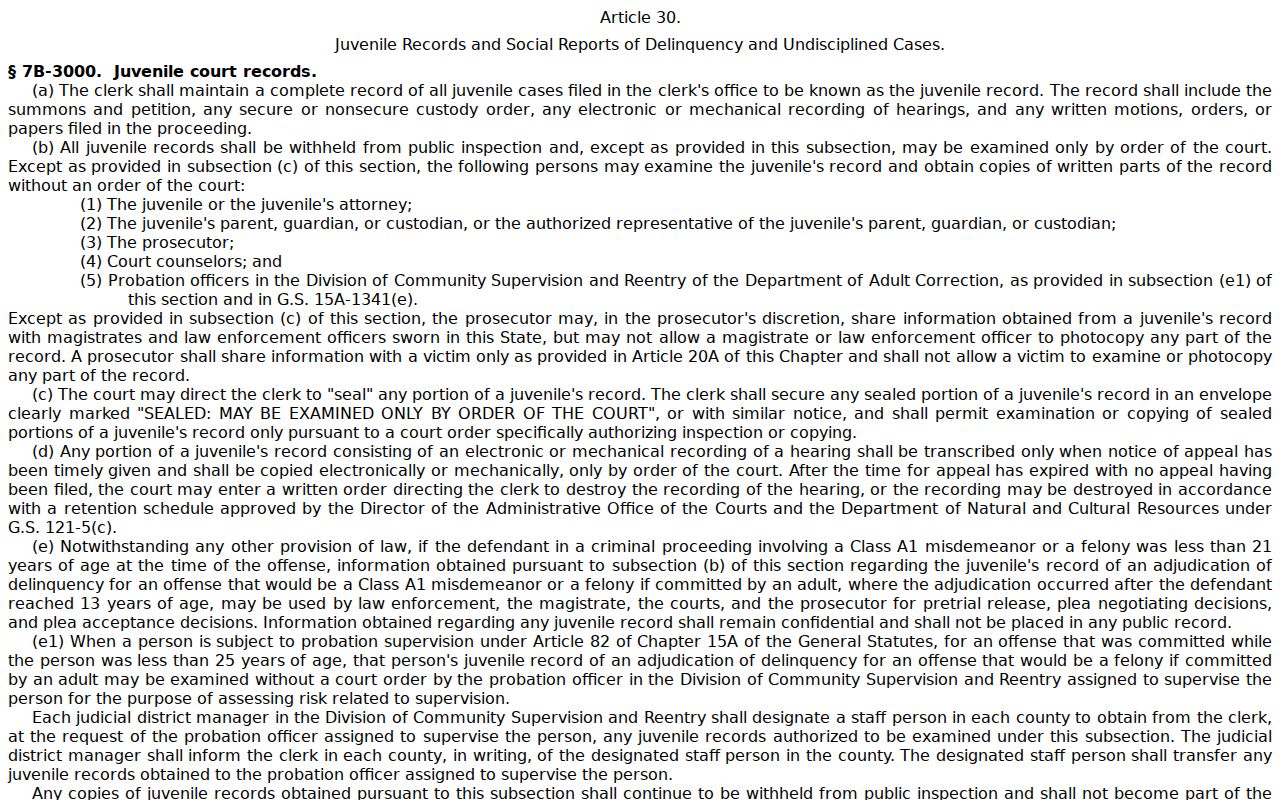
That statutory limit has a practical meaning. A missing public criminal result is never proof that a protected Pender case does not exist.
Pender Criminal Archive Fallback
Smart Search can miss a Pender criminal record that clearly exists. Before concluding anything, recheck the number, the dash, the Pender location, the spelling, and the date range. Then work through the documented alternatives. The record may be a restricted case type or a legacy paper file. It may be a public image that has not posted yet. It may also be a historic record needing local index work. When the web result leaves that uncertainty unresolved, the Clerk's public terminal and counter are the sound next steps. For current hearing information, use Search Hearings rather than an old calendar. Ask the clerk which Pender record or microfilm route fits a particular old file. Do not assume a remote search is complete.
Pender Criminal Date Changes
Pender Clerk guidance draws a firm line between records help and changing a criminal setting. The clerk cannot unilaterally change a court date. Settings are set through the court process by a judge, magistrate, or district attorney, and a continuance gets addressed in court under the applicable procedure. To check a date, follow a simple sequence. Start with Search Hearings, then the newest Case Summary entry, then the published schedule for context, and finish with clerk or court staff confirmation if a conflict remains.
Confirm a missed date promptly. Pender Clerk guidance says a missed criminal court date may bring a $200 cost addition, an order for arrest, and suspension of driving privileges.
Only a judge may modify failure-to-appear status under the clerk’s local guidance, so a clerk call does not itself change the setting.
Pender Criminal eCourts Transition
Pender entered eCourts on February 3, 2025. Three tools now do different jobs. Enterprise Justice, also called Odyssey, is the case-management system. File & Serve is the filing application. Portal is the public search and viewing tool. Those roles matter once you find a criminal entry online. Portal is not where anyone files a document. Neither Portal nor File & Serve replaces the clerk as the custodian for certified case records.
The conversion did not make every historic or restricted criminal item public. Legacy information was converted from older systems. Paper historical files can still sit with the clerk. A converted historical event may show a midnight timestamp. That timestamp should not be read as the precise time the old event happened.
Pender Criminal Search Limits
Public access stops at the record and the tool. A Portal account can save items in My Cases, yet it adds no rights to sealed, confidential, or restricted Pender criminal material. Public documents appear after upload and processing. Downloads happen one at a time. A large-file error can require clerk reprocessing. The official expunction-record statute explains why expunction information is not a public search category.
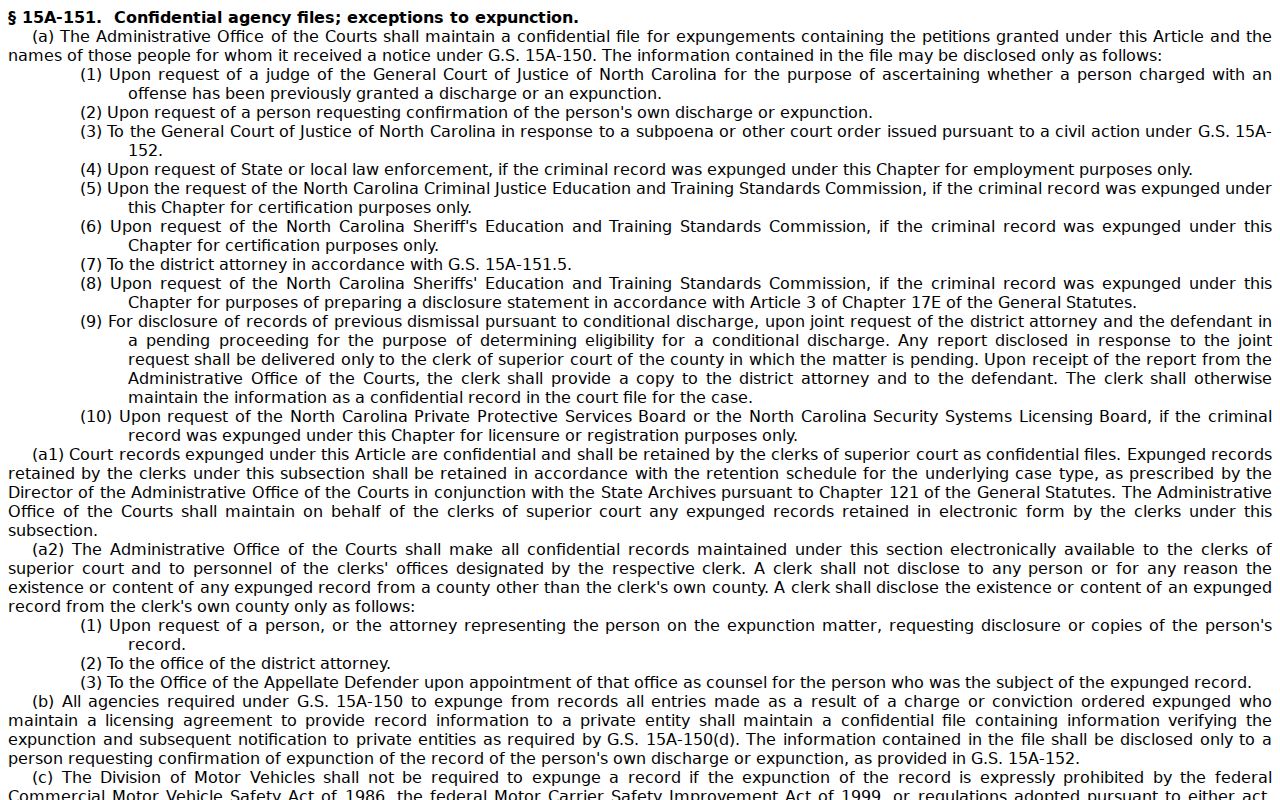
The limitation is practical. Use the public tools for eligible case information, and ask the Pender Clerk about the lawful path for a specific record need.